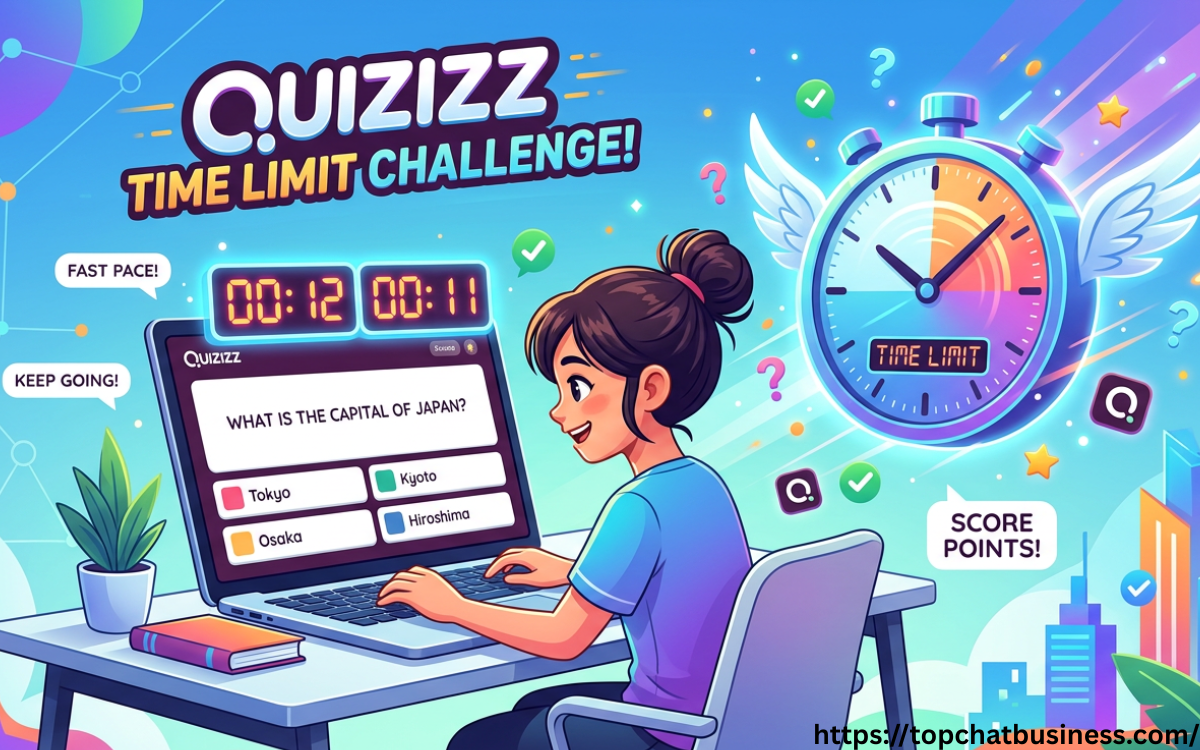
The digital transformation of the classroom has introduced various tools designed to gamify learning, but few have had the impact of Quizizz. At the heart of this platform’s competitive and engaging nature is the “Quizizz time limit” feature. This mechanism does more than just count down seconds; it dictates the rhythm of the assessment, influences student anxiety levels, and determines the accuracy of data collected by educators. Understanding how to manipulate and master these time settings is essential for any teacher looking to create a balanced, effective learning environment.
The Mechanics of the Quizizz Time Limit
When a teacher creates a question on Quizizz, they are prompted to assign a specific duration to it. These intervals typically range from a lightning-fast 5 seconds to a generous 15 minutes. The purpose of the time limit is twofold: it prevents students from searching for answers online, thereby ensuring academic integrity, and it adds an element of “flow” to the activity, keeping students focused on the task at hand.
In a “Classic” live game, the time limit acts as a ceiling. If a student does not answer within the allotted timeframe, the question automatically closes, and they receive zero points for that specific item. However, in “Instructor-paced” mode, the teacher controls when the class moves to the next slide, though the individual timer still tracks how long students take to respond.
How to Set and Customize Time Limits
Setting a time limit is one of the most intuitive parts of the Quizizz interface, yet it requires strategic thinking. To set a time limit:
- Question Level: During the question creation process, look for the dropdown menu labeled with a clock icon. Here, you can select the duration for that specific question.
- Bulk Edit: If you have imported a quiz or created a long series of questions, you can use the bulk edit tool to change the time limit for all questions simultaneously. This is particularly useful for standardized test prep, where every question requires exactly 60 seconds.
- Default Settings: Quizizz often defaults to 30 seconds. While this works for simple multiple-choice questions, it may be insufficient for complex word problems or reading comprehension tasks.
Strategic Timing for Different Question Types
Not all questions are created equal, and therefore, their time limits should reflect their complexity.
1. Retrieval Practice (5–20 Seconds)
For vocabulary drills, basic math facts, or simple identification, short timers are best. This encourages “automaticity”—the ability to recall information without conscious effort. If a student knows that 7×8 is 56, they don’t need 30 seconds to find the answer.
2. Conceptual Application (30–60 Seconds)
Questions that require a student to read a short paragraph or apply a rule to a new scenario need more breathing room. A one-minute limit is usually the “sweet spot” for middle and high school students, providing enough time to think without allowing enough time to get distracted.
3. Problem Solving and Analysis (2–5 Minutes)
For multi-step physics problems or deep literary analysis, the timer should be extended significantly. When the “Quizizz time limit” is too tight on these questions, students often resort to guessing, which ruins the teacher’s data and frustrates the learner.
The Impact of Time Limits on Student Psychology
The countdown timer is a double-edged sword. On one hand, the ticking clock and the upbeat music create a “game-like” atmosphere that many students find exhilarating. This competitive edge can increase dopamine levels and make learning feel like play.
On the other hand, time limits can trigger “math anxiety” or general test anxiety. For students with processing speed issues or those who are English Language Learners (ELL), a 20-second timer can be a barrier rather than a motivator. Educators must be mindful of this. Quizizz offers a “Timer Off” feature in the game settings, which allows students to answer at their own pace without the pressure of a visible countdown. This is often the preferred setting for homework assignments or inclusive classroom environments.
Balancing Accuracy and Speed: The Points System
In Quizizz, the time limit is intrinsically linked to the scoring system. By default, the faster a student answers correctly, the more points they earn. This “redemption” through speed encourages quick thinking but can sometimes penalize the “slow and steady” learner who gets every answer right but takes their time.
If a teacher wants to prioritize accuracy over speed, they should communicate this clearly. Alternatively, using the “Accuracy” leaderboard rather than the “Points” leaderboard during the end-of-game summary can shift the focus from who was fastest to who understood the material most deeply.
READ MORE: https://topchatbusiness.com/nitehush/
Advanced Features: Adjusting Time Limits for Accommodations
One of the most powerful aspects of the Quizizz time limit is the ability to adapt it for students with Individualized Education Programs (IEPs) or 504 plans. While the platform does not currently allow for different timers for different students within the same live game, teachers can:
- Duplicate the Quiz: Create a version with extended time limits for specific groups.
- Toggle the Timer Off: As mentioned, disabling the timer entirely for homework assignments ensures that students with different reading speeds have an equal footing.
- Use Instructor-Paced Mode: This allows the teacher to wait until every student has submitted their answer before moving on, effectively overriding the individual question timers.
The Role of the Time Limit in Data Analytics
After a Quizizz session, the teacher receives a detailed report. One of the most underrated metrics in this report is the “Average Time per Question.” If a teacher sees that the entire class answered a “difficult” 60-second question in only 5 seconds, it’s a red flag—they likely guessed or the question was too easy. Conversely, if students are consistently hitting the time limit and failing to answer, the teacher knows the material hasn’t been mastered or the time allotted was insufficient.
Best Practices for Managing the Quizizz Time Limit
To get the most out of your Quizizz sessions, consider these professional tips:
- Front-load the Time: Always give 5–10 seconds more than you think they need. Technical glitches or slow internet connections can eat into a student’s response time.
- Silent the Clock: If you notice your students are getting stressed, you can turn off the “Timer Music” while keeping the time limit active. This reduces the sensory pressure.
- The “Read Aloud” Factor: If you use the Quizizz “Read Aloud” feature, ensure the time limit is long enough for the AI to finish reading the question and all options before the timer runs out.
- Iterative Testing: If you use the same quiz multiple times throughout a unit, consider shortening the time limits as students become more proficient with the material.
Conclusion
The Quizizz time limit is more than just a countdown; it is a pedagogical tool that, when used correctly, can transform a simple quiz into a powerful engine for growth. By matching the duration to the task’s complexity and being mindful of student needs, educators can create a competitive yet supportive environment that prioritizes both speed and substance.
Frequently Asked Questions (FAQs)
1. Can I change the time limit after a game has already started?
No, once a live game has begun, the time limits for the questions are locked. You would need to end the game, adjust the settings, and start a new session.
2. Is there a way to give some students more time than others in a live game?
Currently, Quizizz applies the same time limit to all participants in a single game session. To provide accommodations, it is best to assign the quiz as homework with the timer disabled or create a separate room for students needing extra time.
3. Does the timer keep running if a student’s internet disconnects?
Yes, the timer is server-side. If a student loses connection, the clock continues to tick. However, if they reconnect before the time expires, they can still submit their answer.
4. Can I set a total time limit for the entire quiz instead of per question?
In “Homework” mode, you can set a deadline (date and time), but the individual question timers still apply unless you toggle them off. There is no “total 30-minute exam” timer that spans the entire quiz regardless of question count.
5. What happens if I set the time limit to “Off”?
When the timer is off, students can take as long as they need to answer. In live games, the “speed bonus” for points is usually disabled, meaning students earn a flat rate of points for correct answers.
